
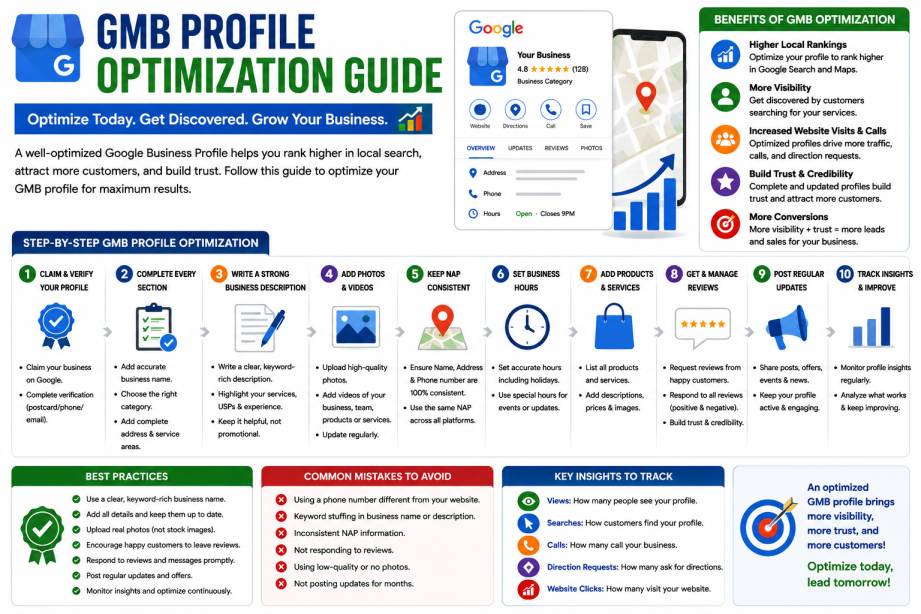
Search behavior continues to evolve, and Google increasingly relies on business profile data to answer user questions directly.
Google now uses information from:
- Business descriptions
- Reviews
- Services
- Photos
- Business attributes
to generate local search responses and AI-powered recommendations.
This means an incomplete profile can reduce your chances of appearing in relevant searches.
Businesses that actively manage their profiles often experience:
- More local visibility
- Higher engagement
- Increased customer trust
- Better conversion rates
Benefits of Having a Google Business Profile
Improve Local Search Rankings
A complete and verified profile helps Google understand your business and match it to relevant local searches.
Increase Website Traffic
Customers can visit your website directly from your profile.
Generate More Phone Calls
Mobile users can call your business with a single tap.
Build Customer Trust
Positive reviews and updated information create credibility.
Get More Foot Traffic
Google Maps visibility can increase visits to physical locations.
Showcase Your Business
Photos, videos, and updates help customers learn more about your products and services before contacting you.
How to Create a Google Business Profile
Creating a profile is straightforward and usually takes less than an hour.
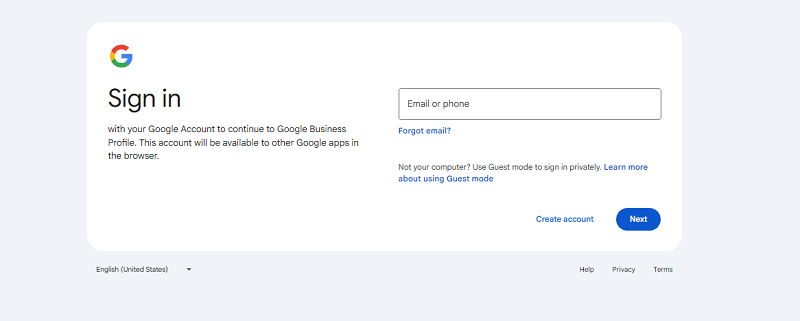
Step 1: Sign in to Google Business Profile
Use a Google account associated with your business.
Step 2: Enter Your Business Name
Use your official business name exactly as it appears in the real world.
Avoid:
- Keyword stuffing
- Extra city names
- Promotional phrases
Step 3: Select a Business Category
Your primary category strongly influences rankings.
Examples:
- Dentist
- Restaurant
- Real Estate Agency
- Marketing Agency
Choose the most accurate category possible.
Step 4: Add Your Business Location
If customers visit your location, add your physical address.
If you travel to customers, configure your service area instead.
Step 5: Add Contact Information
Include:
- Phone number
- Website URL
- Email (if applicable)
Ensure consistency across all online platforms.
Step 6: Submit for Verification
Verification confirms that you own and manage the business.
Google Business Profile Verification
Google may offer one or more verification methods depending on your business.
Phone Verification
Receive a code via SMS or phone call.
Email Verification
Google sends a verification link or code to your email.
Postcard Verification
Google mails a code to your business address.
Video Verification
You record a video showing:
- Business signage
- Workspace
- Equipment
- Proof of operation
Live Video Call
A Google representative verifies your business in real time.
Verification is required before your profile can reach its full potential.
How to Optimize Your Google Business Profile
Creating a profile is only the first step. Optimization is what improves visibility and rankings.
Complete Every Available Field
Include:
- Description
- Services
- Products
- Attributes
- Website URL
- Business hours
Complete profiles generally perform better than incomplete ones.
Write a Strong Business Description
Explain:
- What you do
- Who you serve
- What makes your business unique
Keep the description natural and customer-focused.
Add High-Quality Photos
Upload images of:
- Exterior
- Interior
- Team members
- Products
- Services
Businesses with photos often receive more engagement.
Collect Customer Reviews
Positive reviews help improve:
- Trust
- Click-through rates
- Local SEO performance
Always respond professionally to reviews.
Publish Regular Updates
Use Google Posts to share:
- Promotions
- Events
- Company updates
- New services
Regular activity signals that your business is active and relevant.
Keep Business Hours Updated
Incorrect hours are one of the fastest ways to lose customer trust.
Update:
- Holidays
- Seasonal schedules
- Special closures
Common Google Business Profile Mistakes
Keyword-Stuffed Business Names
Adding keywords to your business name can lead to suspensions or ranking issues.
Wrong Business Category
Incorrect categories reduce relevance and visibility.
Incomplete Profiles
Missing information limits your ability to rank well.
Ignoring Reviews
Reviews influence both customer trust and local rankings.
Inconsistent NAP Information
NAP stands for:
- Name
- Address
- Phone Number
Keep this information identical across all platforms.
Outdated Photos
Old or low-quality photos can make your business appear inactive.
Google Business Profile vs Google Ads
Many business owners wonder whether they should invest in Google Ads or focus on their Google Business Profile.
Google Business Profile
- Free
- Long-term local visibility
- Builds trust
- Supports local SEO
Google Ads
- Paid traffic
- Immediate visibility
- Faster lead generation
- Greater control over targeting
The most effective strategy often combines both.
Your profile builds credibility, while ads generate additional visibility and leads.
Frequently Asked Questions
Is Google Business Profile free?
Yes. Creating and managing a Google Business Profile is completely free.
How long does verification take?
Verification times vary by method:
- Phone and email: Instant
- Video verification: 1–5 days
- Postcard verification: 5–14 days
Can service-area businesses use Google Business Profile?
Yes. Businesses that travel to customers can hide their address and define service areas.
Why isn’t my business appearing on Google Maps?
Common reasons include:
- Verification not completed
- New profile creation
- Incorrect categories
- Incomplete information
How often should I update my profile?
Review your profile monthly and post updates weekly whenever possible.
How To Create A Google Business Profile Step By Step (With Verification That Actually Works)
Follow these steps in order. Keep everything real and consistent, because messy setups trigger edits, delays, or suspensions.
1. Go to Google Business Profile Manager (business.google.com)
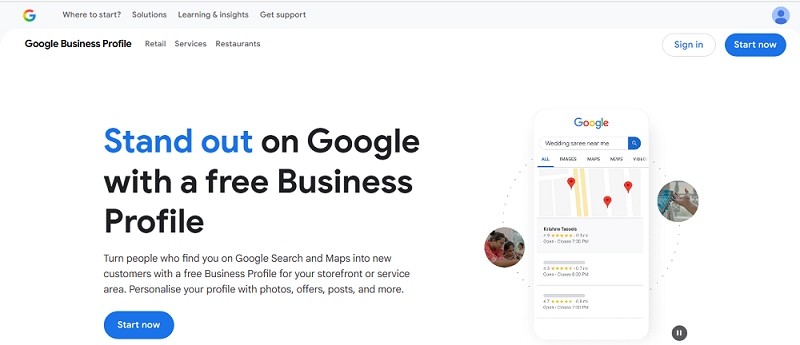
2. Sign in with your Google account
3. Enter your business name (and claim it if it already exists)
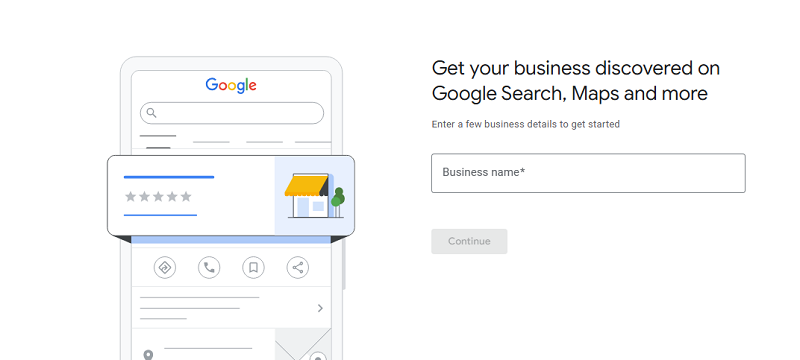
Use your real-world name as it appears on signage and invoices. Don’t add extra keywords like “Best SEO Expert in Surat” That’s a guideline risk.
4. Choose your business category (why it impacts rankings)
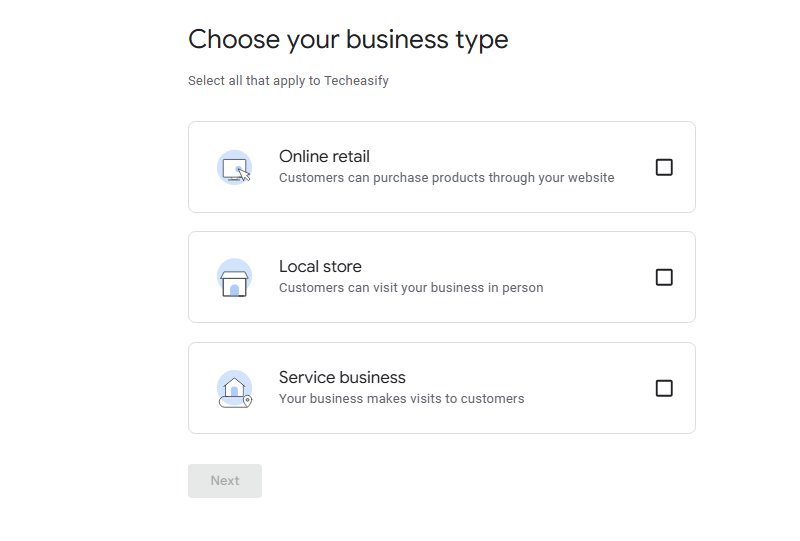
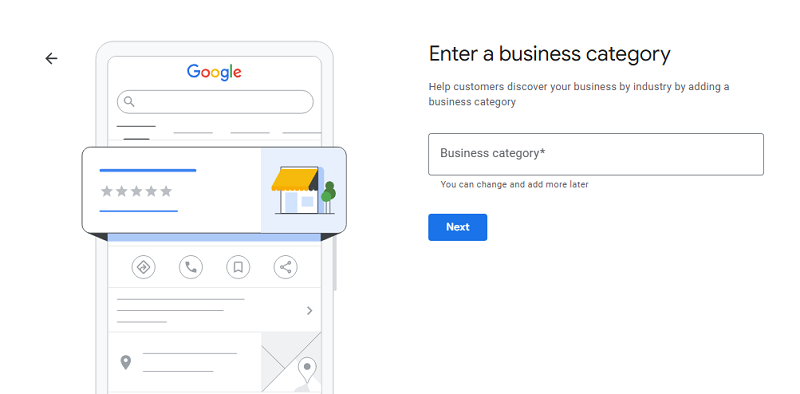
Category choice is one of the biggest ranking levers, so take it seriously. Pick the closest match for your primary category, then add secondary categories later if they fit.
5. Add your location or service area (storefront vs service-area business)
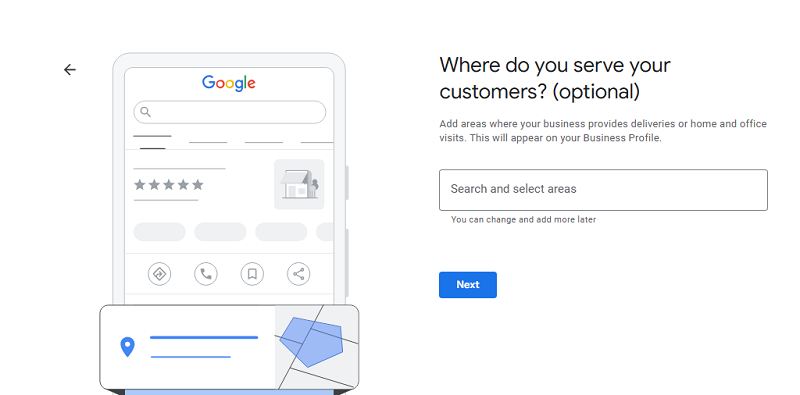
If you serve customers at their address (like a locksmith), you usually hide your address and set service area. If you have a storefront with a physical address, your address must match what’s on your website and directories.
6. Add phone number and website
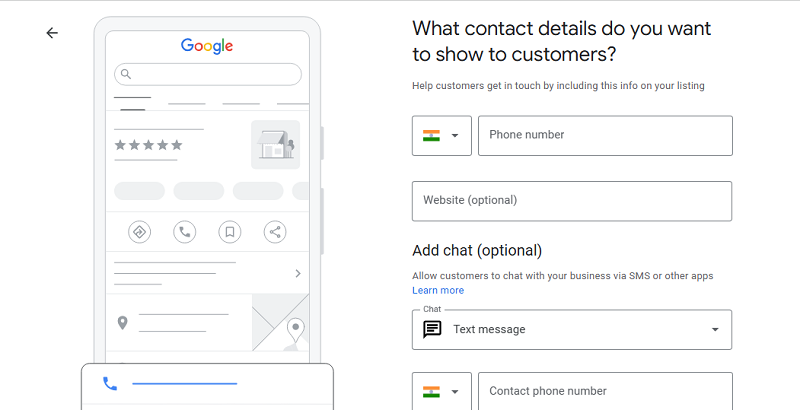
Make sure your NAP information (name, address, phone) matches everywhere else online, including local citations. Inconsistent data can hold you back.
7. Verify your business (what to expect)
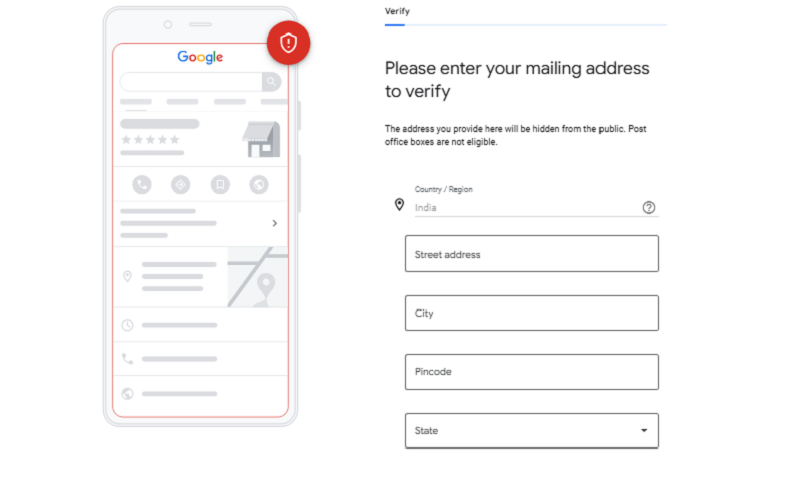
This is where many owners get stuck. To claim and verify ownership, you’ll complete the method Google offers. Postcards often take 5 to 14 days to arrive with the verification code; other options can include phone, email, video, instant, or live video.
If you want extra help with this part, use Vijay Mishra Google Business Profile verification guide.
Keep your business name and address stable while you verify. Big edits during verification can reset the process.
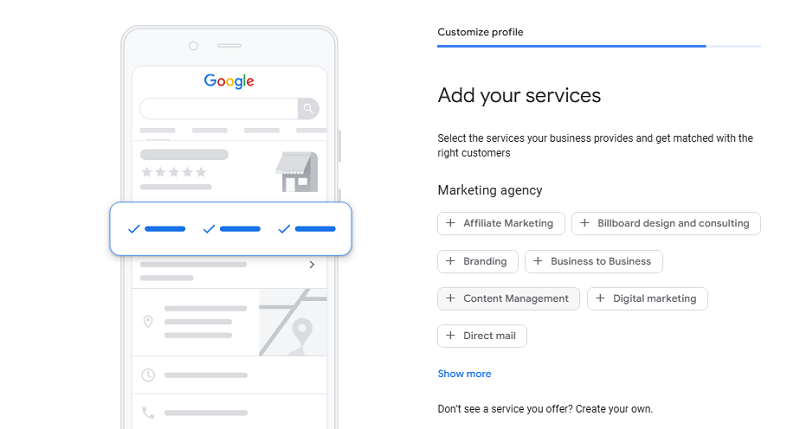
8. Complete your profile details
Add Your Service Details
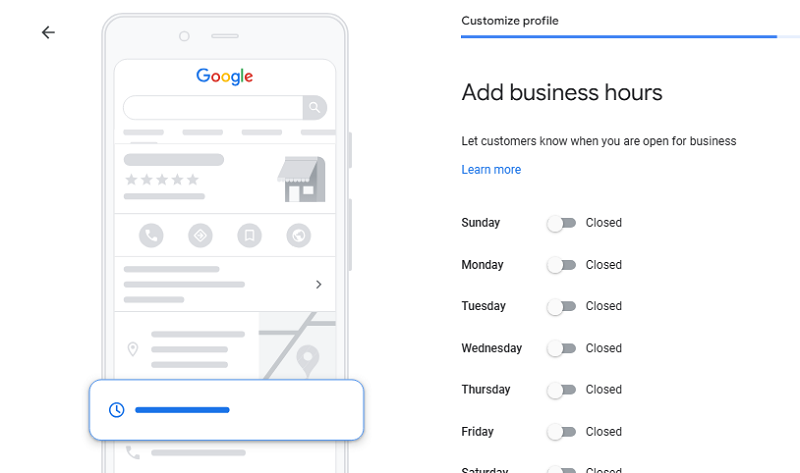
Add Business Hours
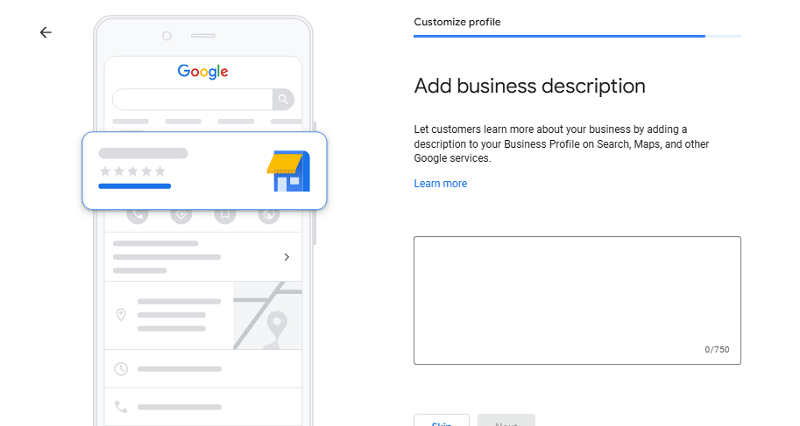
Add Business Description
Add Storefront Photo
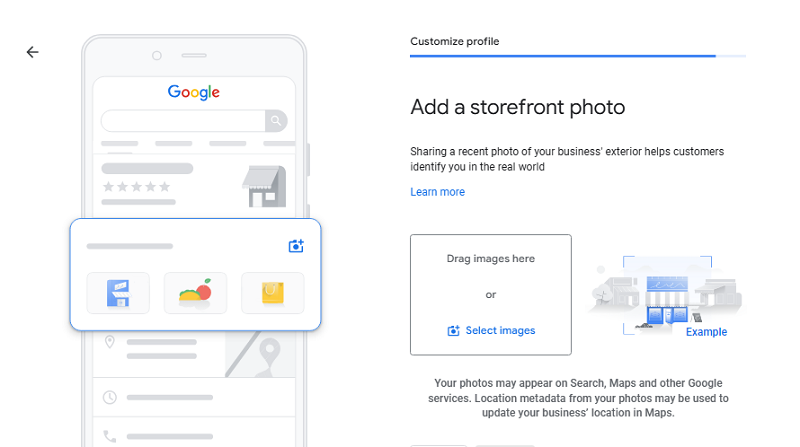
Fill everything you can for profile completion, including business description, services, attributes, and business hours. In 2026, completeness helps both rankings and AI answers.
Conclusion
A Google Business Profile remains one of the most powerful free local marketing tools available in 2026. It helps businesses increase visibility, generate leads, build trust, and improve local search rankings without spending money on advertising.
The businesses that achieve the best results don’t simply create a profile and forget about it. They consistently update their information, collect reviews, publish posts, add photos, and monitor performance.
If your goal is to attract more local customers, improve Google Maps visibility, and strengthen your local SEO strategy, optimizing your Google Business Profile should be one of your highest priorities.